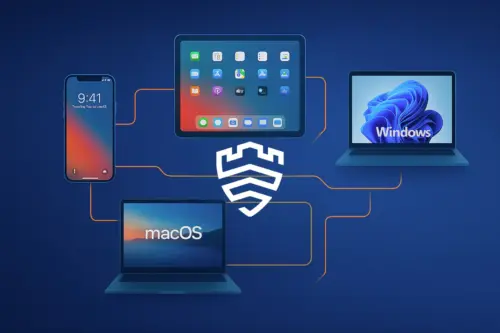
News
WWDC ’25 Through the Eyes of an MDM Admin
Apple has swept the board! MDM migration, iPhone login, and other new features

filtruj po kategorii
Filtruj po autorze

Apple has swept the board! MDM migration, iPhone login, and other new features

New tools in the hands of the MDM administrator
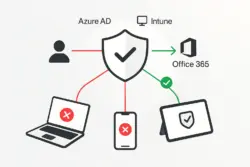
Secure Office 365 by requiring compliant devices!
Apple pozamiatało! Migracja MDM, logowanie iPhonem i inne nowości
Nowe narzędzia w rękach administratora MDM
Czyli Samsung stworzył narzędzie MDM, które mówi płynnie w trzech językach

Kompleksowy przewodnik, który zaoszczędzi Ci dziesiątki godzin
MDM - o zarządzaniu urządzeniami w organizacji
Zabezpiecz Office 365 wymagając zgodnych urządzeń!

Dogłębna analiza dla małych, średnich, dużych przedsiębiorstw i sektora publicznego (2024/2025)
🇵🇱 Przejdź do polskiej wersji tego wpisu / Go to polish version of this post
June in the calendar of every IT admin who manages a fleet of Apple devices is a special month. A time when coffee tastes somehow different, and on one of the monitors, the WWDC stream is running all day long. Every year we hope for innovations that will make our lives easier, patch annoying gaps, and let us sleep more peacefully. Sometimes we get minor improvements, and sometimes… well, sometimes Apple serves us a real feast.
And I have the impression that this year the table is exceptionally lavishly set. Engineers from Cupertino took our requests to heart (and probably thousands of support tickets) and delivered features we’ve been waiting for years. I’m talking about specific, meaty solutions that will really change our daily work.
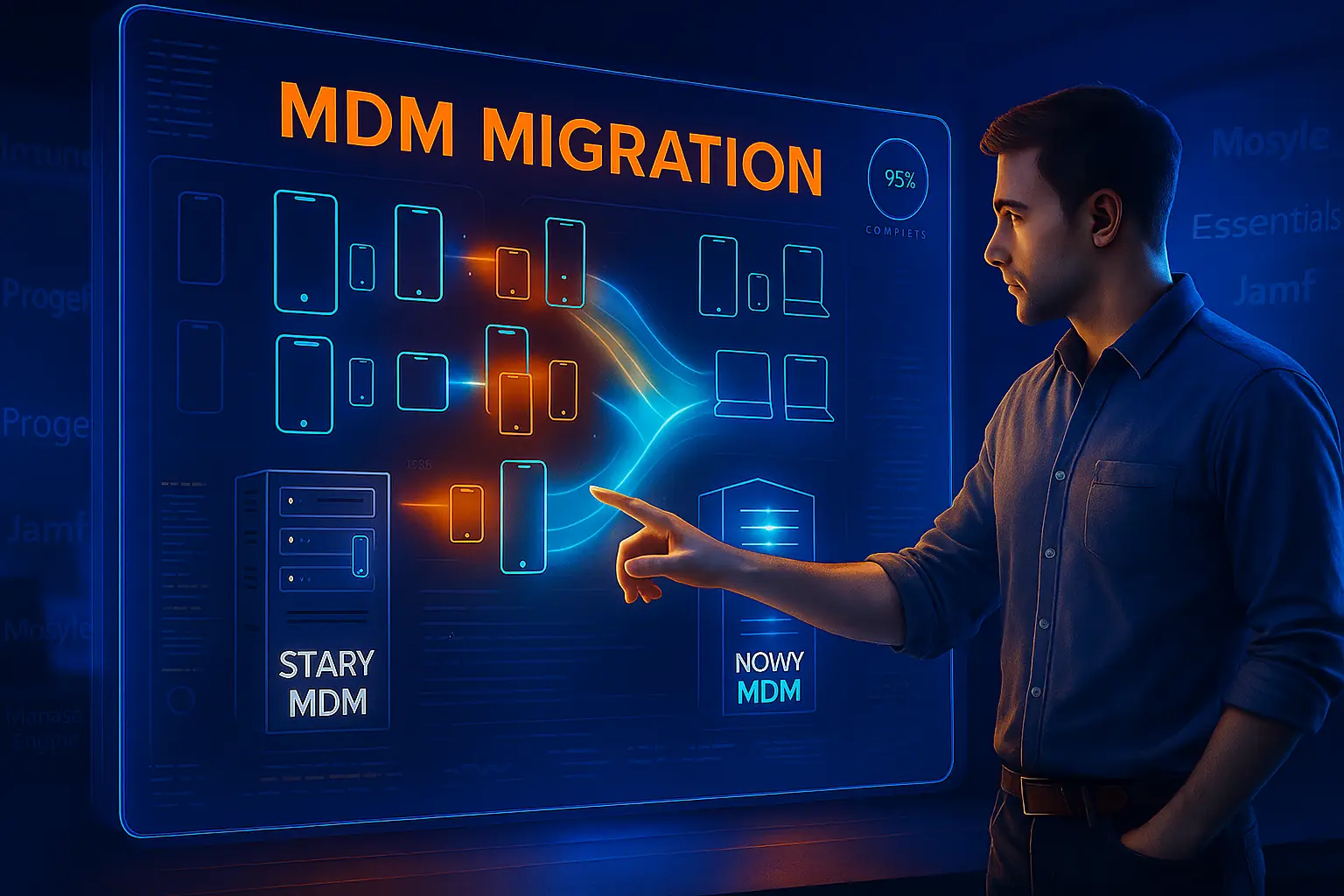
Let’s start with a feature I’ve been waiting for… forever. Anyone who has ever had to move a fleet of hundreds or thousands of iPhones or Macs from one MDM system to another knows what a nightmare it is. Until now, the only 100% effective method was „Wipe & Re-enroll,” which means… wiping the device to factory settings and re-enrolling it in the new system.

In practice, this meant a gigantic logistical operation, hundreds of calls from angry users whose „vacation photos disappeared” (despite a hundred backups and a thousand emails with instructions), and long weeks of work. This was the biggest barrier preventing companies from changing MDM providers, even if the current one didn’t suit them.
And now? Apple says: „Hold my beer” ????
With iOS 18.xx, iPadOS 18.xx, and macOS 15.xx, we’re getting a built-in, official device migration mechanism between MDM servers. No more guerrilla tactics! How does it work?

This is a fundamental change. For companies that have been stuck with one MDM provider until now, new doors are opening. Imagine how simple it becomes to switch, for example, to a Polish system like Proget MDM or TechStep Essentials MDM, which often offer great local support and competitive conditions, for example in the offerings of operators such as Plus. Until now, the vision of manual migration blocked you? This problem is now disappearing.
Apple Business Manager (ABM) and Apple School Manager (ASM) are the foundation of Apple device management in businesses and education. This is where we assign new devices to our MDM server. However, until now, many operations required manual login and „clicking” in the web portal. At large scale, this is simply inconvenient.
Now Apple will provide Services API. What does this mean for us? The ability to automate!
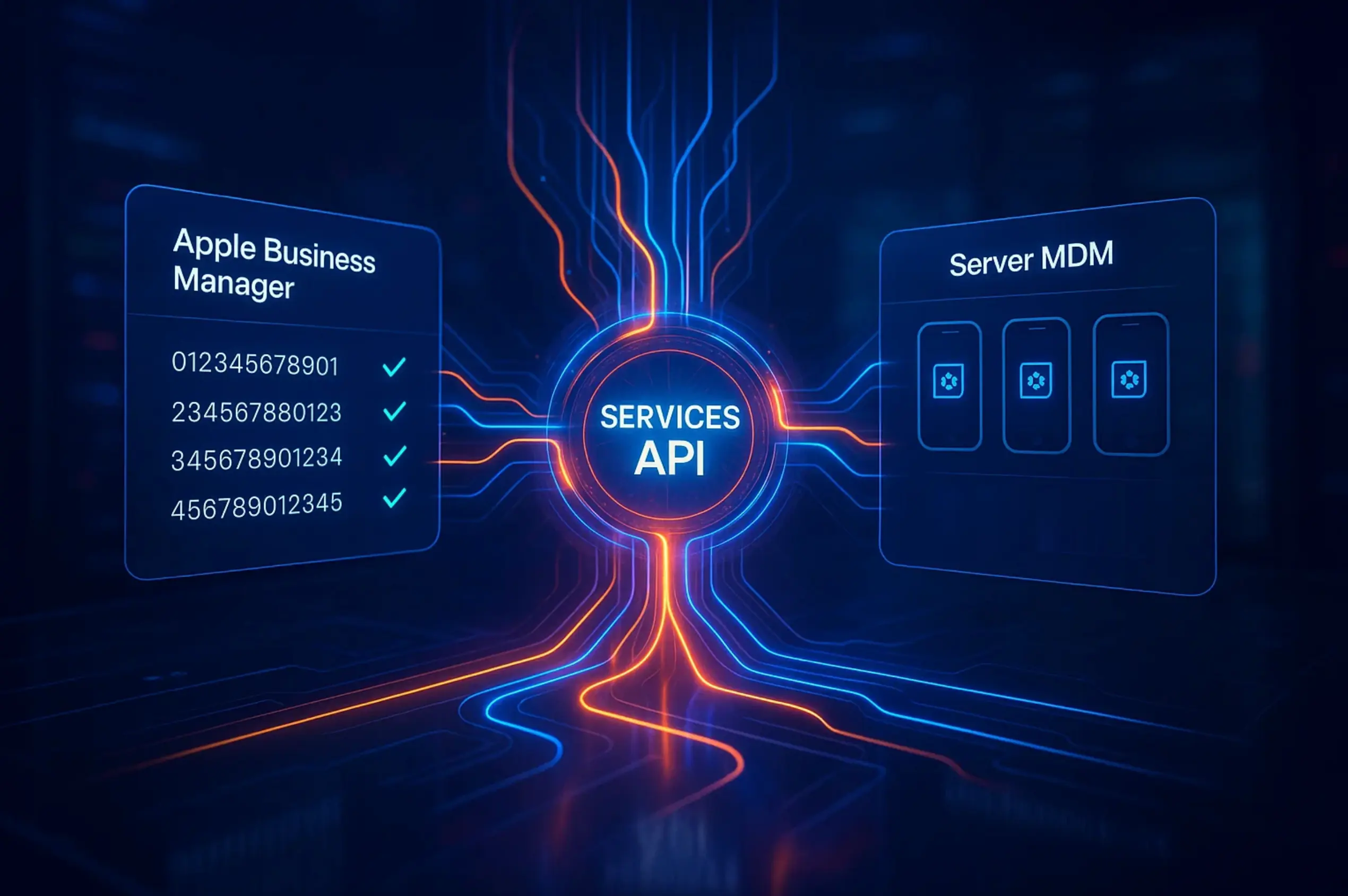
Instead of manually logging into ABM to check order status or assign a hundred new Macs to the MDM server, we’ll be able to assign this task directly from our management system. MDMs such as Microsoft Intune, Essentials MDM, Proget or Jamf will be able (and will certainly do so – right??) to integrate with this API to give us, admins, new superpowers.
Imagine a scenario: The purchasing department orders 100 new iPhones from an operator. Serial numbers go into the system. Our MDM, integrated with the API, automatically queries ABM whether the devices are already available. As soon as they appear, it automatically assigns them to the appropriate MDM server and applies initial configuration. Before the courier delivers the package to the office, the devices are already ready to work.
This is the future of management – proactive and automated.
Another revelation concerns identity and login. Apple is strongly developing Platform Single Sign-On (SSO), a mechanism that allows using one account (e.g., corporate from Microsoft Entra ID/Azure AD) to log in everywhere – to applications, websites, and even to the Mac computer itself.
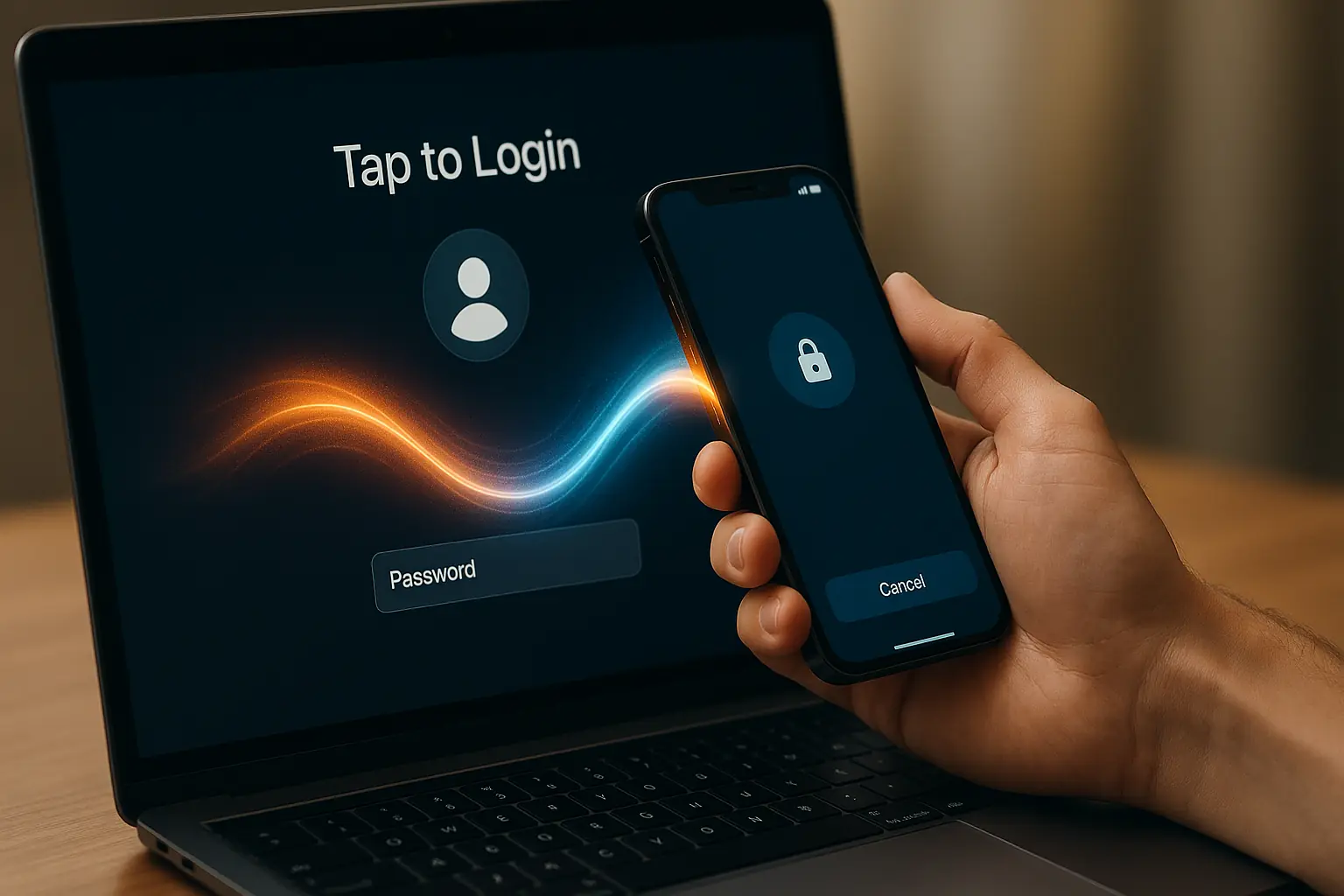
Now they’re going a step further with the „Tap to Login” feature. No more typing long and complicated passwords to unlock your Mac! Users will be able to simply bring their work iPhone or Apple Watch close to the computer to log in. This will work based on Access Keys, which can be securely delivered to the phone. This is not only convenience but also a huge leap in security – we’re eliminating the weakest link, which is passwords.
For environments where one computer is used by multiple people (schools, stores, hospitals), Apple is introducing „Authenticated Guest Mode”. Thanks to an external NFC reader, an employee will be able to touch their employee card to a reader connected to a Mac, and the system will log them into a temporary, managed account with appropriate permissions. After logging out, all data disappears. Simple, secure, and brilliant for shared workstations. The hot-desking concept is being taken to a new level.
We’ve been talking about Declarative Device Management (DDM) for several years now, but now Apple is putting all its eggs in one basket. The old management model, based on sending individual commands, is becoming obsolete.
To understand this well, let’s use an analogy.
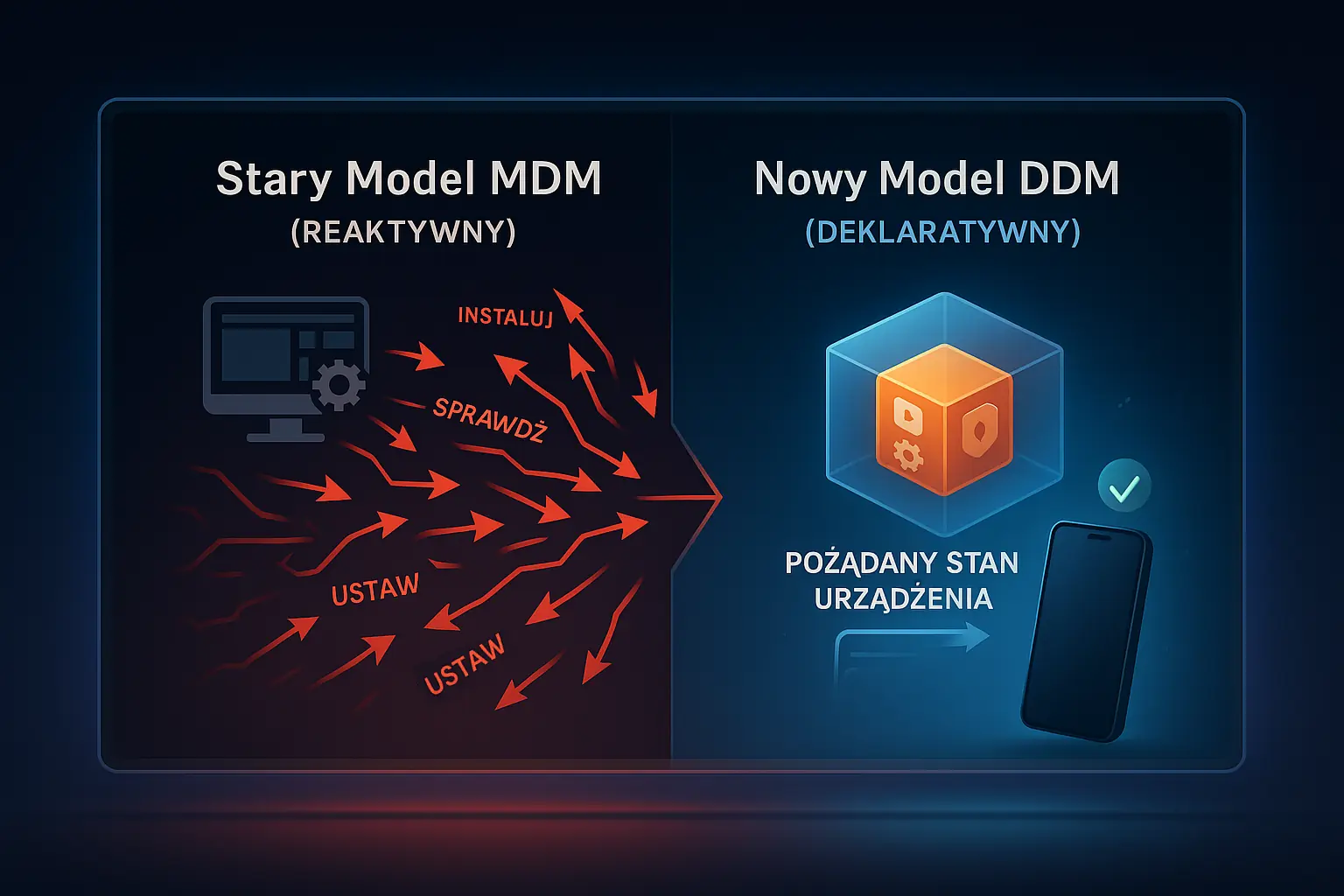
This is much more efficient and reliable. Apple officially announced that the old update management mechanism will be phased out in the future. All management is moving to DDM, including new Safari browser configuration options (bookmarks, homepage) or managing innovations related to Apple Intelligence (e.g., blocking ChatGPT integration in system tools).
Besides these major topics, we also got a mass of smaller but very useful improvements:
This year’s WWDC wasn’t evolution. It was a small revolution in the world of Apple device management. Features like MDM migration or disabling Activation Lock from the portal are game-changers that will take off a mass of tedious and frustrating work from us administrators. Better identity management and commitment to the declarative model is a clear signal of where Apple is heading: toward greater automation, security, and scalability.
Personally, I’m most excited about painless migration, because it opens the field to choosing the really best MDM system for a given organization, without historical burdens. We have a busy autumn full of tests ahead of us, but I already know that our work will become much simpler. And that’s what this is all about!
Source: Apple WWDC 2024 Session: „What’s new in Apple device management and identity„
Until next time!



 Follow.it