🇵🇱 Przejdź do polskiej wersji tego wpisu / Go to polish version of this post
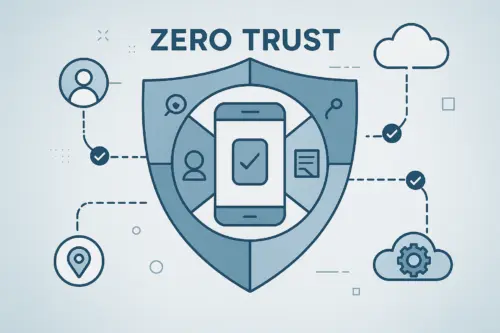
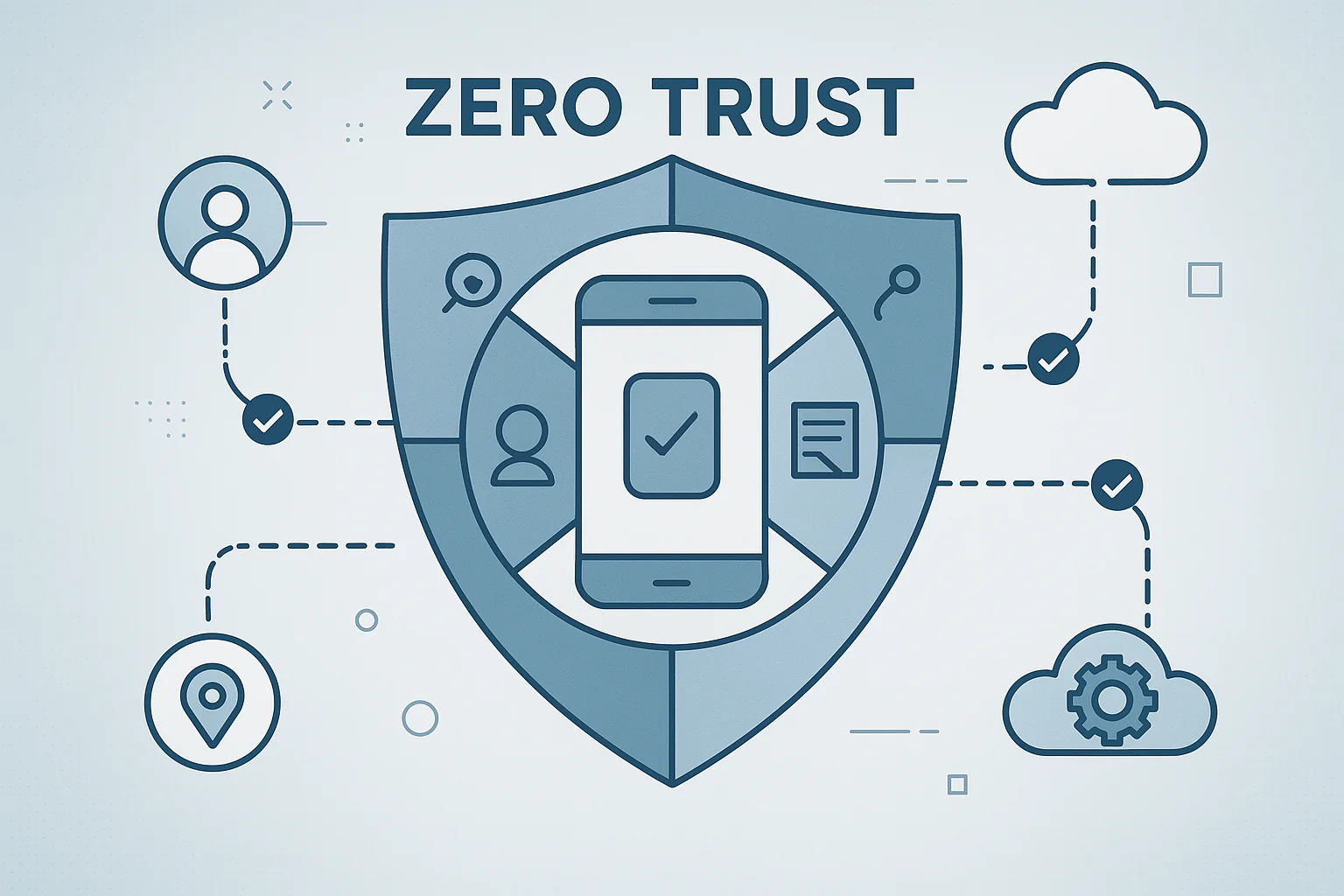
The traditional approach to IT security, based on the concept of a „trusted” network perimeter (perimeter security), is becoming increasingly less effective in the era of remote work, cloud computing, and ubiquitous mobile devices. In response to these challenges, the Zero Trust architecture was born, which assumes that no user or device should be trusted, regardless of their location (inside or outside the corporate network), and that identity and security status should always be verified before granting access to resources. Mobile devices, often being the weakest link in a security strategy, play a key role in the Zero Trust model, and Enterprise Mobility Management (EMM) / Mobile Device Management (MDM) platforms are an essential tool for its implementation.
Basic Principles of Zero Trust Architecture
The Zero Trust model is based on several fundamental principles:
- Verify Explicitly: always authenticate and authorize access based on all available data points, including user identity, location, device status, data classification, and detected anomalies.
- Use Least Privilege Access: limit user access to resources necessary to perform their work, using both just-in-time (JIT) and just-enough-access (JEA), adaptive risk-based policies, and data protection.
- Assume Breach: Minimize the blast radius of potential breaches through network segmentation, end-to-end encryption, and continuous monitoring for the fastest possible threat detection and response.
Link to source
The Role of Mobile Devices in the Zero Trust Ecosystem
Mobile devices (smartphones, tablets) represent a huge attack surface:
- They are mobile, connecting from various, often untrusted networks.
- They store and process corporate data alongside private data (especially in the BYOD model).
- Users install applications from various sources on them.
- They can be easily lost or stolen.
Therefore, effective management and security of mobile devices is absolutely essential for implementing a credible Zero Trust strategy.
How EMM/MDM Supports Zero Trust Implementation on Mobile Devices?
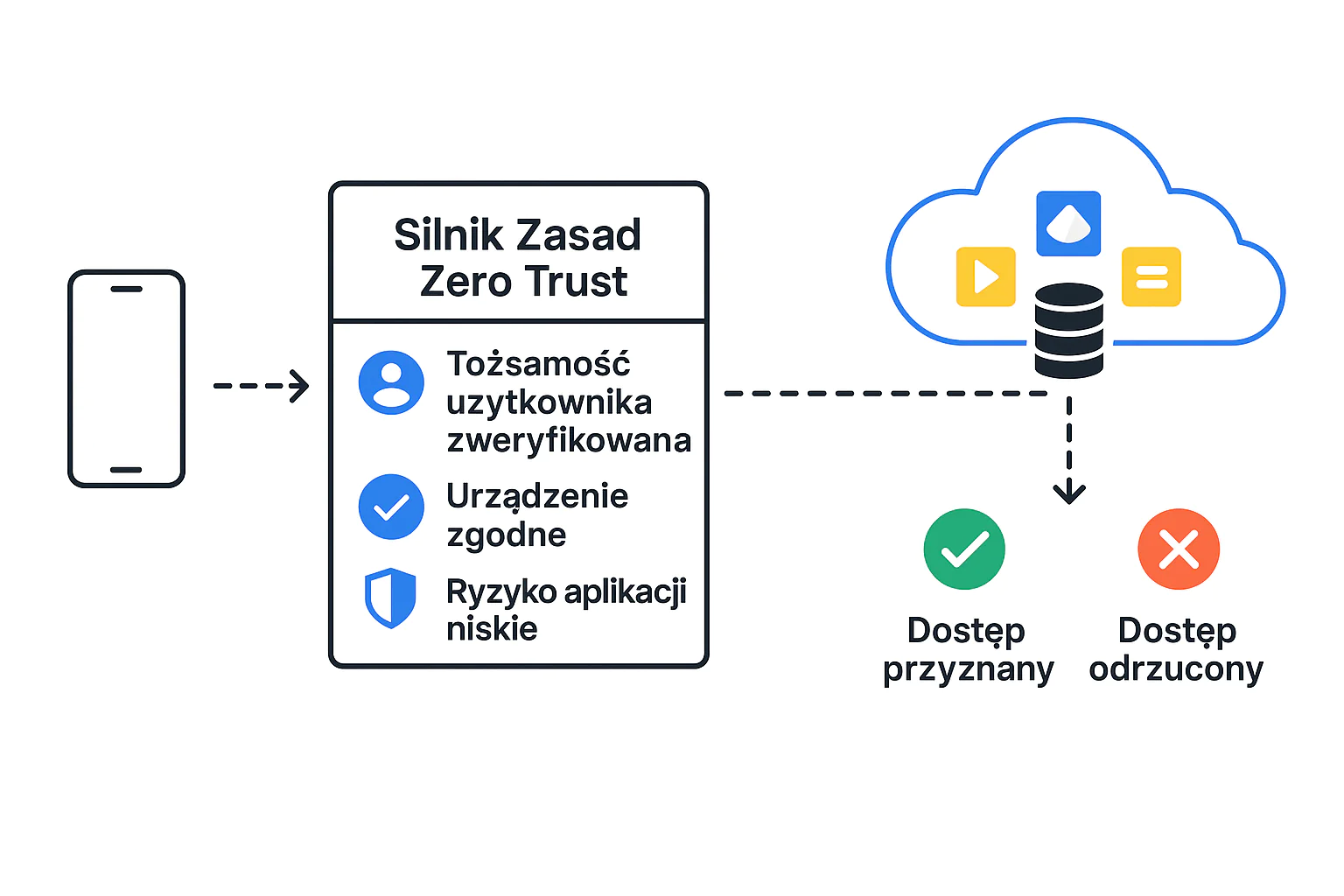
EMM/MDM platforms provide key mechanisms and signals that are fundamental to Zero Trust in the mobile context:
- Identity establishment and device registration: MDM ensures that only authorized devices, linked to user identity (e.g., with Azure AD/Entra ID), can be registered and gain access to corporate configurations.
- Device Health & Compliance assessment:
- MDM continuously monitors device status for compliance with company policies: whether the system is up to date, whether encryption is enabled, whether jailbreak/root has been detected, whether the password meets requirements, whether there is malware (often in cooperation with MTD – Mobile Threat Defense).
- This compliance signal is one of the most important inputs for the Zero Trust policy engine (e.g., Microsoft Conditional Access, Okta Devices).
- Enforcing configuration and security policies: MDM allows remote configuration of security settings, such as password requirements, storage encryption, feature restrictions (e.g., disabling camera, screenshots), secure Wi-Fi access configuration (WPA2/3 Enterprise), or VPN.
- Application management and data protection:
- MDM controls which applications can be installed (only from a managed store) and how they are configured.
- App Protection Policies (MAM), often part of EMM, allow protecting corporate data within applications (e.g., preventing data copying to private applications, requiring a PIN for applications, encrypting application data), even on unmanaged devices (BYOD). This is crucial for the „Assume Breach” principle.
- Integration with Conditional Access:
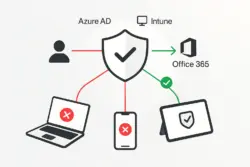
- EMM/MDM is a signal provider for Conditional Access systems. A CA policy can require that a device be not only authenticated but also marked as compliant by MDM before gaining access to Microsoft 365, Salesforce, Dynamics CRM, or other cloud resources.
- This dynamic real-time access decision-making based on the current device state is the heart of Zero Trust.
- Remote remediation actions: in case of detected compliance violation or threat, MDM can automatically take actions such as blocking access to resources, selective wiping of corporate data, or full device wipe.
Zero Trust Implementation Using EMM/MDM – Key Steps
- Define compliance policies: determine what conditions a mobile device must meet to be considered secure and compliant (OS version, encryption, password, no jailbreak/root, malware protection status).
- Configure MDM/MAM policies: deploy configurations and restrictions on managed devices and application protection policies for key corporate applications.
- Integrate EMM/MDM with identity provider (IdP) and conditional access engine: configure the transmission of device compliance signal from MDM to the Conditional Access platform (e.g., Intune -> Azure AD Conditional Access).
- Create conditional access policies: define rules requiring mobile device compliance as a condition for access to specific applications and data.
- Monitor and optimize: continuously monitor device status, security alerts, and policy effectiveness, adjusting them as needed.
Summary
In modern Zero Trust security architecture, mobile devices cannot be treated as trusted simply because they belong to the company or employee. EMM/MDM platforms play an absolutely crucial role, providing mechanisms for device identity verification, security status and compliance assessment, policy enforcement, and data protection in applications. Integration of EMM/MDM with identity management and conditional access systems enables dynamic real-time access decision-making, which is the foundation of an effective Zero Trust strategy for mobile endpoints. Without a solid EMM/MDM solution, implementing Zero Trust in a mobile environment is practically impossible. Modern MDM systems like Proget, Intune, Essentials MDM can largely automate the processes described above.
Puść ten artykuł w świat×Otrzymuj nowe artykuły na swój e-mail
Podając swój adres e-mail wyrażasz zgodę na przetwarzanie Twoich danych przez serwis follow.it. Zapoznaj się z
Regulaminem oraz
Polityką Prywatności serwisu.







 Follow.it